Why the previous repair sequence mattered
The workshop description places the loss of power after earlier screen work. That timing made the assembly and connection history relevant to inspection. It does not mean that all phones failing after a screen replacement have connector damage, or that the timing alone establishes responsibility.
The work was at the battery connection
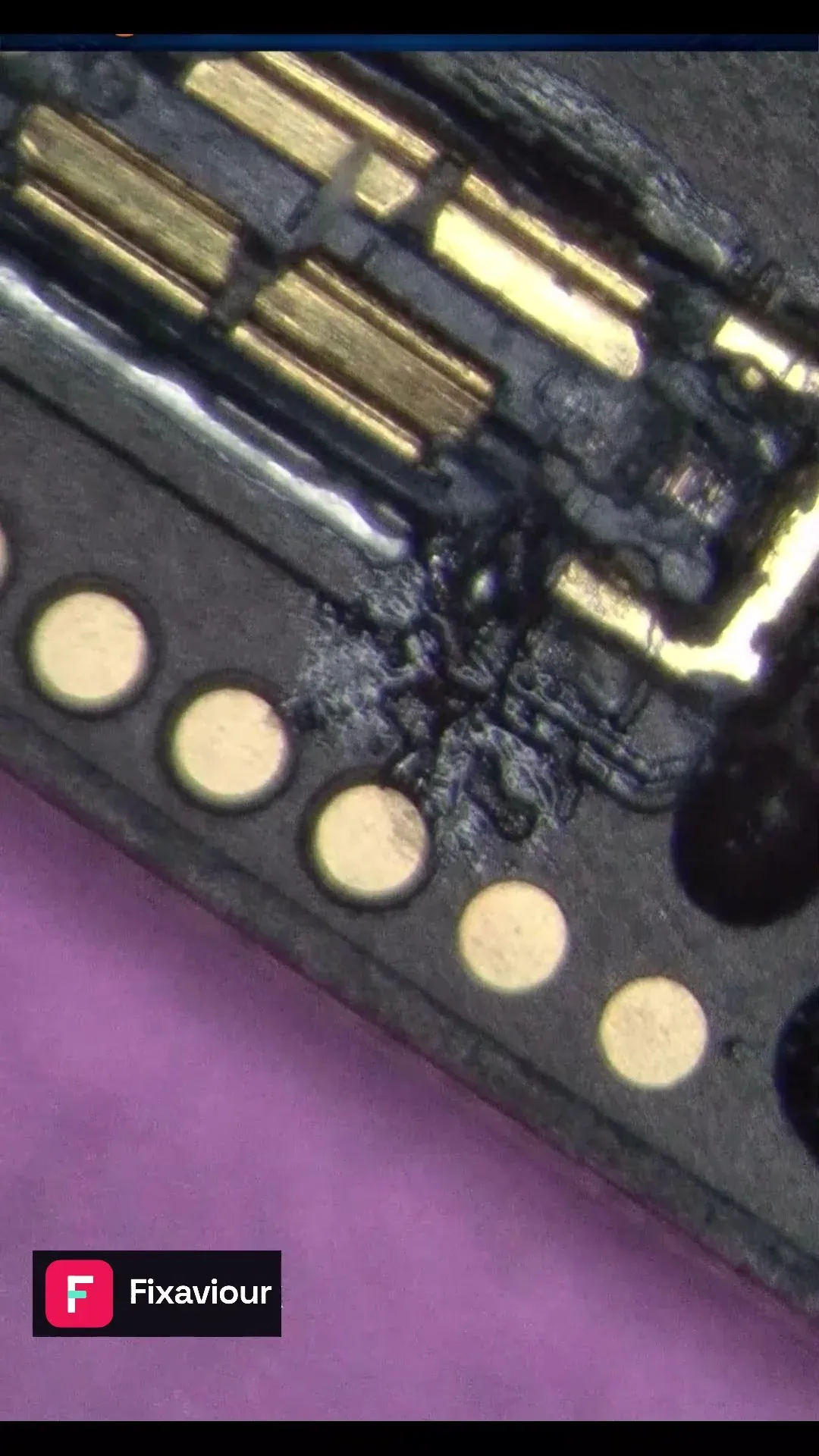
The recorded work involved preparing a damaged contact, fitting a replacement contact and protecting the worked area. The microscope frame shows how small the connection is relative to the surrounding board. Damage may involve a contact, a pad or deeper structure, so the physical inspection determines what can be reconstructed.
Reassembly and electrical checks still matter
A connector can look repaired under magnification while electrical or assembly problems remain. Checking its connection and the phone's power behaviour after reassembly is a separate stage. The still image records the worked area; it cannot establish battery condition or all of the phone's functions.
What to include when arranging an assessment
Tell us what was replaced, whether the phone started before the work and what changed during reassembly. Include any report of connector or pad damage. Avoid pressing the connector or repeatedly reconnecting a damaged battery. If local files matter, say so before a replacement-board route is considered.
